Why Your Computers Never Stop Updating, and What to Do About It
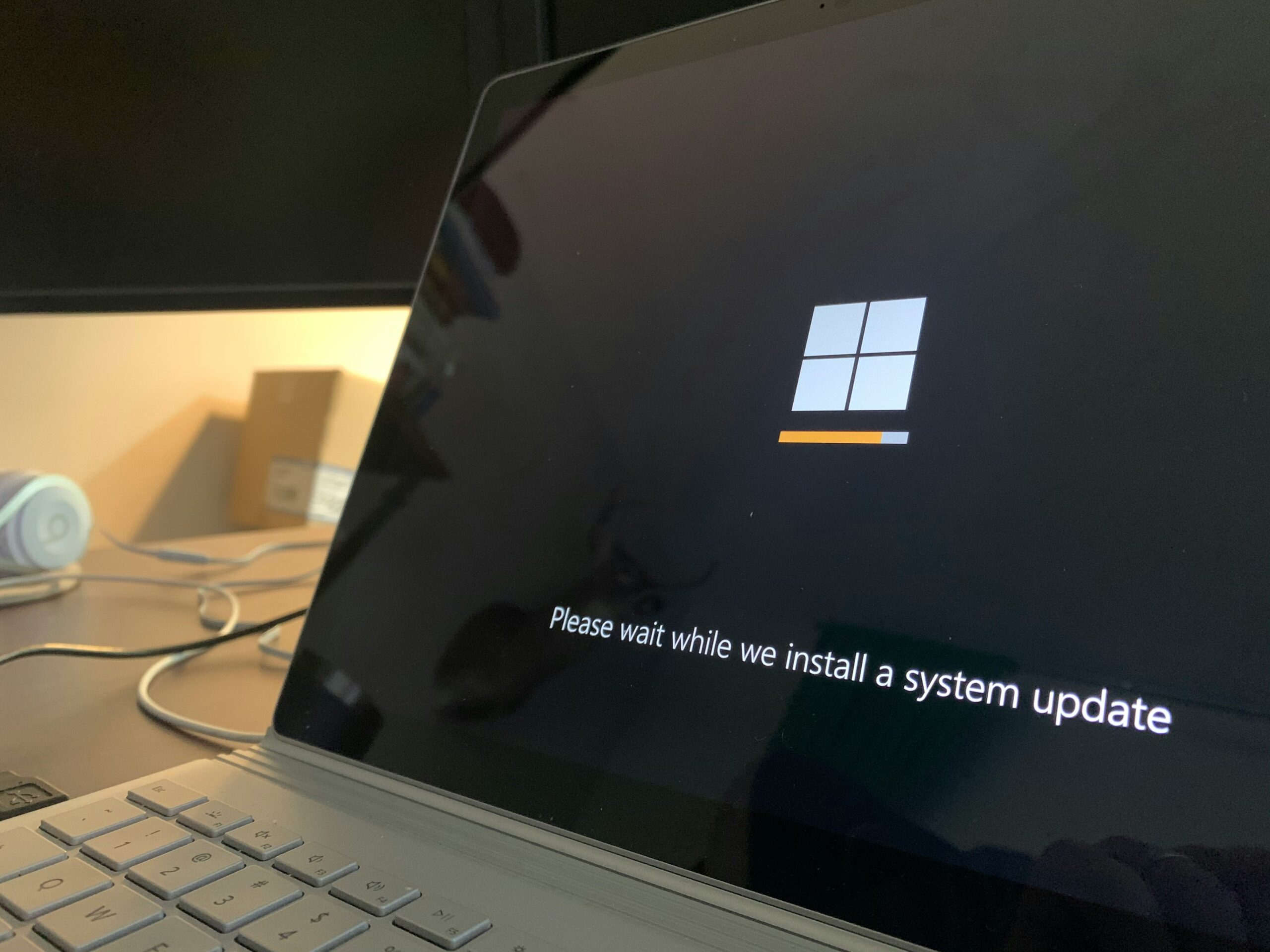
If it feels like your computers are asking to update and restart more often than they used to, you are not imagining it. In August alone, Microsoft’s monthly security update fixed around 400 separate flaws across Windows, Office and its other products, one of which was already being used in real attacks before the fix arrived.
That number is not a blip. Something has changed in how software flaws get found, and it is worth ten minutes of any business owner’s time to understand it, because it changes what “keeping on top of updates” now means for a small business.
AI is finding the bugs now
For years, software flaws were found by human researchers, criminals and the occasional stroke of luck. Now the software industry is pointing AI tools at its own products to hunt for weaknesses, and those tools are very good at it.
Microsoft has said as much itself. In August it told customers that a long-promised update to its Exchange email server product was delayed indefinitely, and the reason it gave was revealing: its AI-assisted security work is finding so many issues that fixing them has crowded out everything else. There is currently no date for that update at all.
Read that back for a moment. One of the largest software companies in the world is saying, in public, that the flow of security fixes is now big enough to reshape its own release plans. If AI keeps improving at finding flaws, and there is no sign it will stop, the sensible assumption is that the number of fixes arriving each month grows rather than shrinks.
Why this matters at 30 staff, not just 30,000
None of this is a reason to panic. Every one of those 400 flaws had a fix available the day it was announced. That is the system working.
But it only works for you if the fixes actually land on your machines, and this is where the size of a business changes the picture. A large company has a team whose job is exactly this. In a 30-person firm, updates are usually nobody’s job. They happen when someone notices the pop-up, or when a laptop restarts on its own schedule, or not at all on the machine in the corner that nobody wants to touch because it runs the label printer.
That approach was survivable when the flow of fixes was a trickle. At 400 a month it means the gap between your systems and a fully patched state widens every single month, quietly, without anyone deciding it should. The National Cyber Security Centre’s guidance for small businesses puts applying updates promptly at the heart of basic protection for a reason: unpatched, known flaws are one of the most common ways trouble starts, precisely because the flaw and the fix are both public.
The root cause here is not that anyone is careless. It is that patching is treated as an event that relies on someone remembering, when the volume now demands a process that runs whether anyone remembers or not.
What a proper patching process looks like
The good news is that the fix is process, not heroics, and most small businesses already own the tools without knowing it.
A proper setup looks like this. Every laptop and desktop is enrolled in a management system, so updates can be pushed rather than hoped for. Updates go to a small test group first, a few machines for a few days, so a bad update inconveniences two people rather than everyone. Then they roll out to the rest on a schedule. And there is reporting at the end, so someone can see, on one screen, which machines are up to date and which are not. No memory involved, no machine in the corner forgotten.
If your business uses Microsoft 365 Business Premium, you already pay for Intune, the Microsoft tool that does exactly this. Many firms are shopping for security products while this one sits switched off in a subscription they already have.
There is a second, less obvious move: reduce what you have to patch at all. Every server in a cupboard is a patching obligation you carry forever, and the Exchange delay above shows what it feels like to depend on updates that may or may not arrive. For most small businesses, mail belongs in Exchange Online rather than on a server of your own, and the same logic applies to ageing file servers. Fewer boxes, fewer flaws to chase.
The short version
Updates are speeding up because AI has made finding software flaws faster than ever, and the industry’s answer is to ship more fixes, more often. For a small business the lesson is not fear, it is housekeeping: patching by process, on a schedule, with a test group and a report, using tools you probably already own. Fix the cause, not the symptom, and updates stop being a monthly gamble. That is what IT that stays fixed looks like.
I spent thirty years running IT at enterprise scale, where patching by process was simply how things were done, because nothing else survives contact with that many machines. Net Tech IT brings that same discipline to businesses of 25 to 60 staff across Sussex, Surrey and London as part of managed IT support, and the first step is usually just switching on what you already pay for. If you are not sure whether your updates are landing, that is a ten-minute conversation. Get in touch or book a call whenever it suits.
Pat | Net Tech IT, Horsham
Sources
- Microsoft Exchange Team, Where is Exchange SE CU1 anyway? (13 August 2026)
- BleepingComputer, Microsoft August 2026 Patch Tuesday fixes 400 flaws, 3 zero-days (11 August 2026)
- National Cyber Security Centre, Small Business Guide
